
Tutor4u
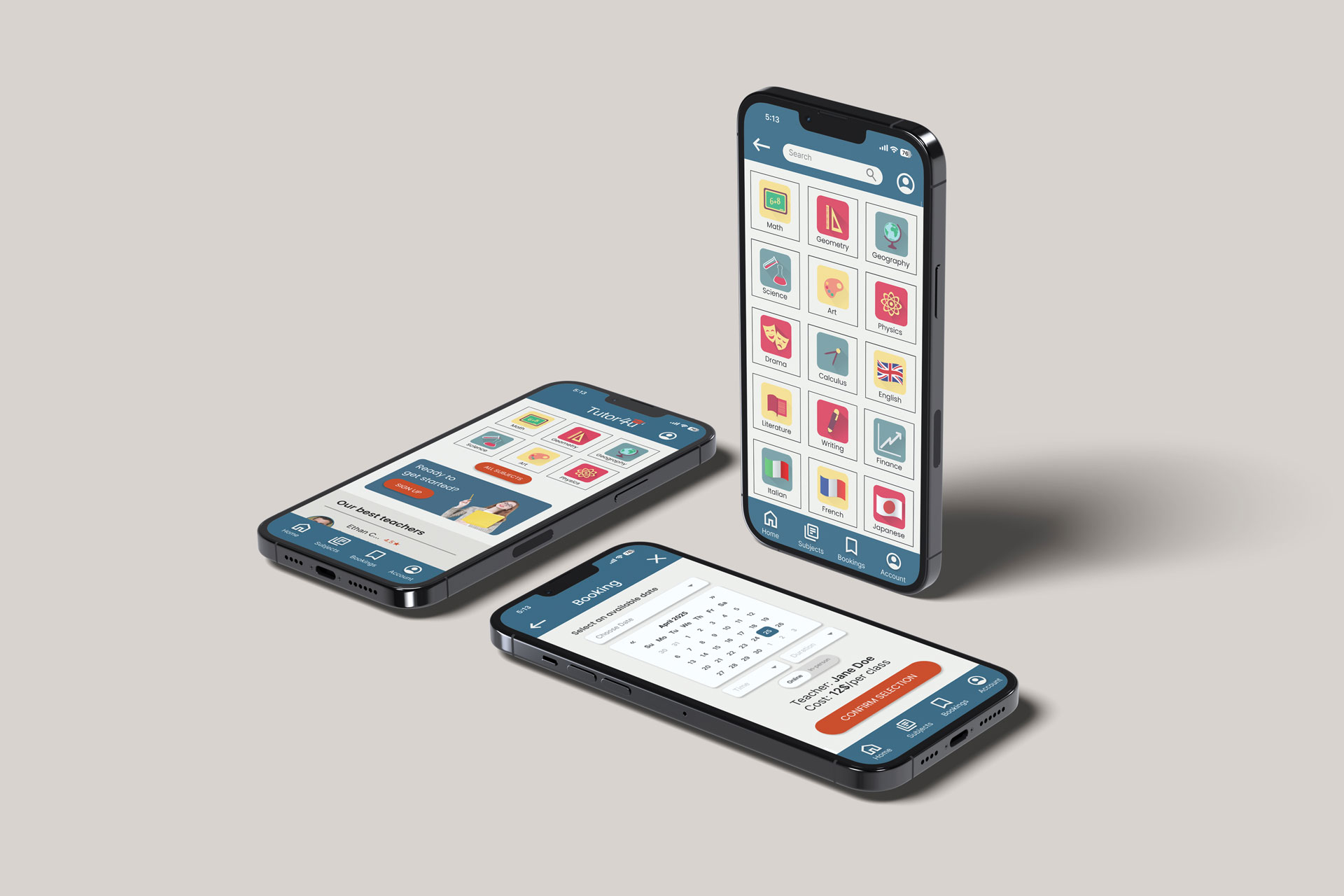
Tutor app designed to find and book classes from different subjects.
Duration
2 months
Year
2025
My role
UI / UX Designer
(Individual Project)
Tools
Figma
Adobe Illustrator


Problem
Tutors and parents want a safe, reliable, and easy way to connect for lessons. However, they are concerned about legitimacy and the complexity of existing platforms.
Goal
Provide a secure and simple app that connects tutors and students, offering both online and in-person lesson options with verified profiles and trusted communication.
Research insights
Understanding user needs through interviews and surveys.
⸺ Safety concerns
Users are hesitant to invite unknown tutors into their homes.
⸺ Finding the right match
Hard to find tutors by subject, schedule, and teaching style.
⸺ Complex platforms
Existing tutoring platforms feel confusing or overwhelming.
⸺ Scheduling issues
Parents and tutors struggle to coordinate availability.

Persona: Sonia
Doctor and mother of two who needs reliable tutoring support.
Needs
• trusted tutors
• flexible scheduling
Frustrations
• lack of trust
• limited time
User Journey Map
Understanding Sonia’s experience when booking a tutor.
Key insight: Safety concerns strongly influence decision-making.
STEP 01
Research options
Tasks
Search tutoring platforms, ask for recommendations, and compare services.
Feeling
Curious, overwhelmed
Opportunity
Provide clear platform overview and trusted recommendations.
STEP 02
Evaluate tutors
Tasks
Review tutor profiles, check qualifications, and compare pricing.
Feeling
Skeptical, cautious
Opportunity
Highlight verified tutors and ensure transparent reviews.
STEP 03
Choose format
Tasks
Decide between online or in-person, considering safety and convenience.
Feeling
Anxious, relieved
Opportunity
Clarify differences and reinforce safety messaging.
STEP 04
Book session
Tasks
Select date and time, confirm availability, and complete booking.
Feeling
Hopeful, uncertain
Opportunity
Simplify booking flow and offer flexible scheduling.
STEP 01
Research options
Tasks: Explore platforms & compare options
Feeling: Curious, overwhelmed
Opportunity: Clear overview & trusted recommendations
STEP 02
Evaluate tutors
Tasks: Review profiles & compare pricing
Feeling: Skeptical, cautious
Opportunity: Verified tutors & transparent reviews
STEP 03
Choose format
Tasks: Choose online or in-person
Feeling: Anxious, relieved
Opportunity: Clear options & safety reassurance
STEP 04
Book session
Tasks: Pick time & confirm booking
Feeling: Hopeful, uncertain
Opportunity: Simple flow & flexible scheduling
Wireframes
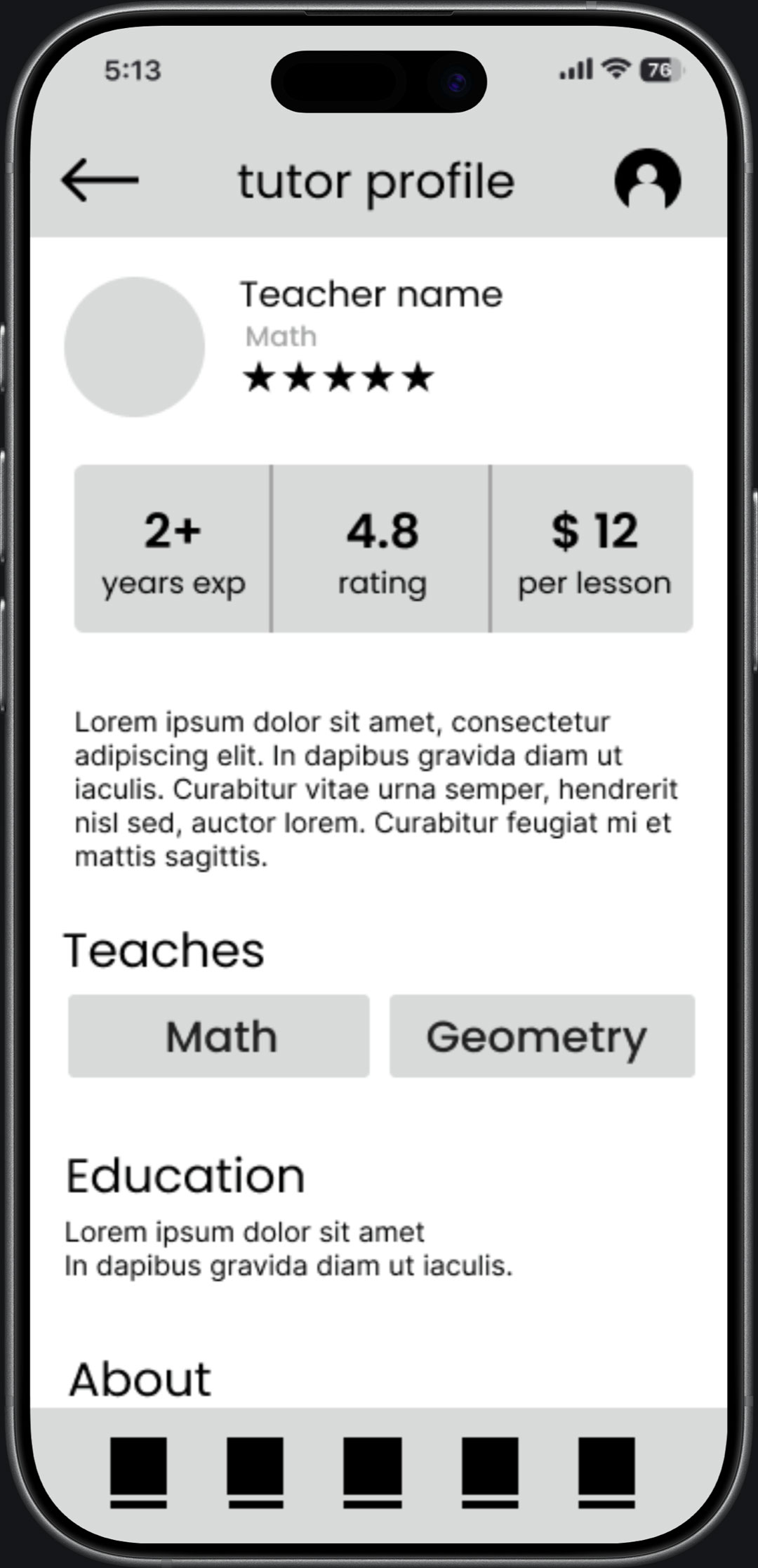
Low-fidelity wireframes were used to explore layout and user flow.
The goal was to simplify navigation and highlight key actions.


Usability testing
Usability testing highlighted strengths in trust-building, along with issues in navigation and clarity.
Round 1 findings
• verified badge built trust
• shorter sign-up reduced drop-offs
Round 2 findings
• online / in-person switch useful
• filters hard to find
• profiles lacked trust details
Before
After
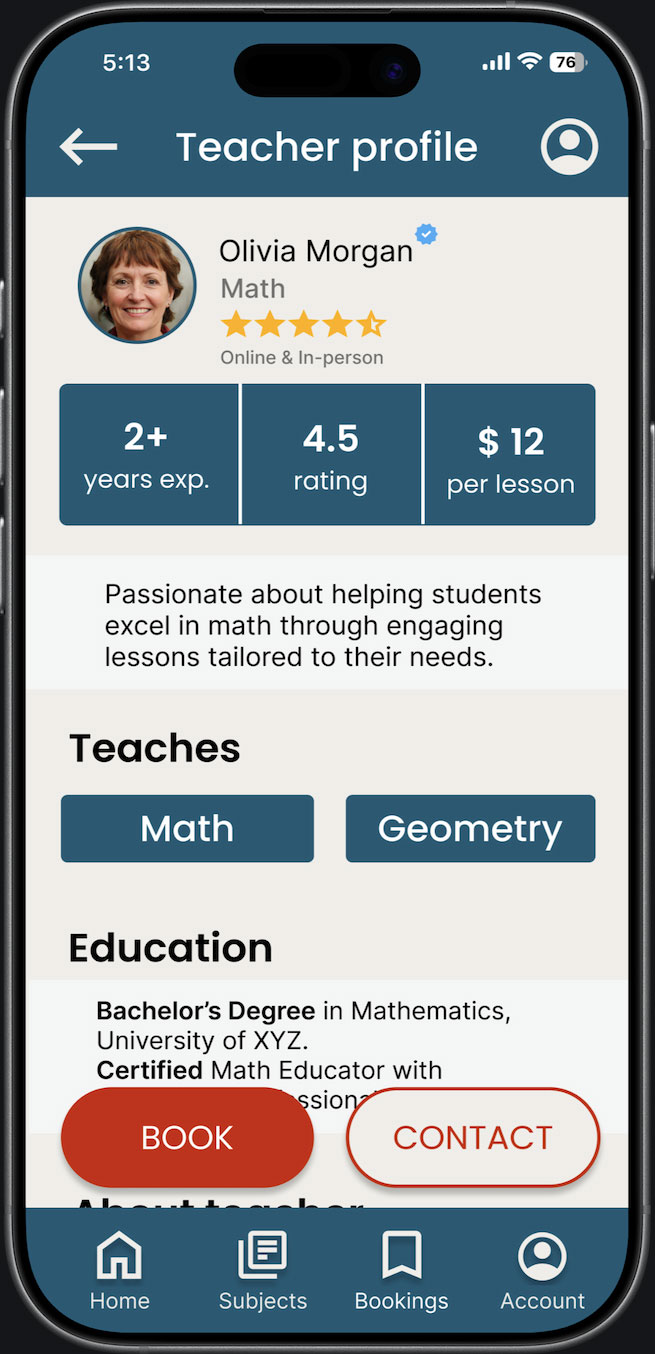
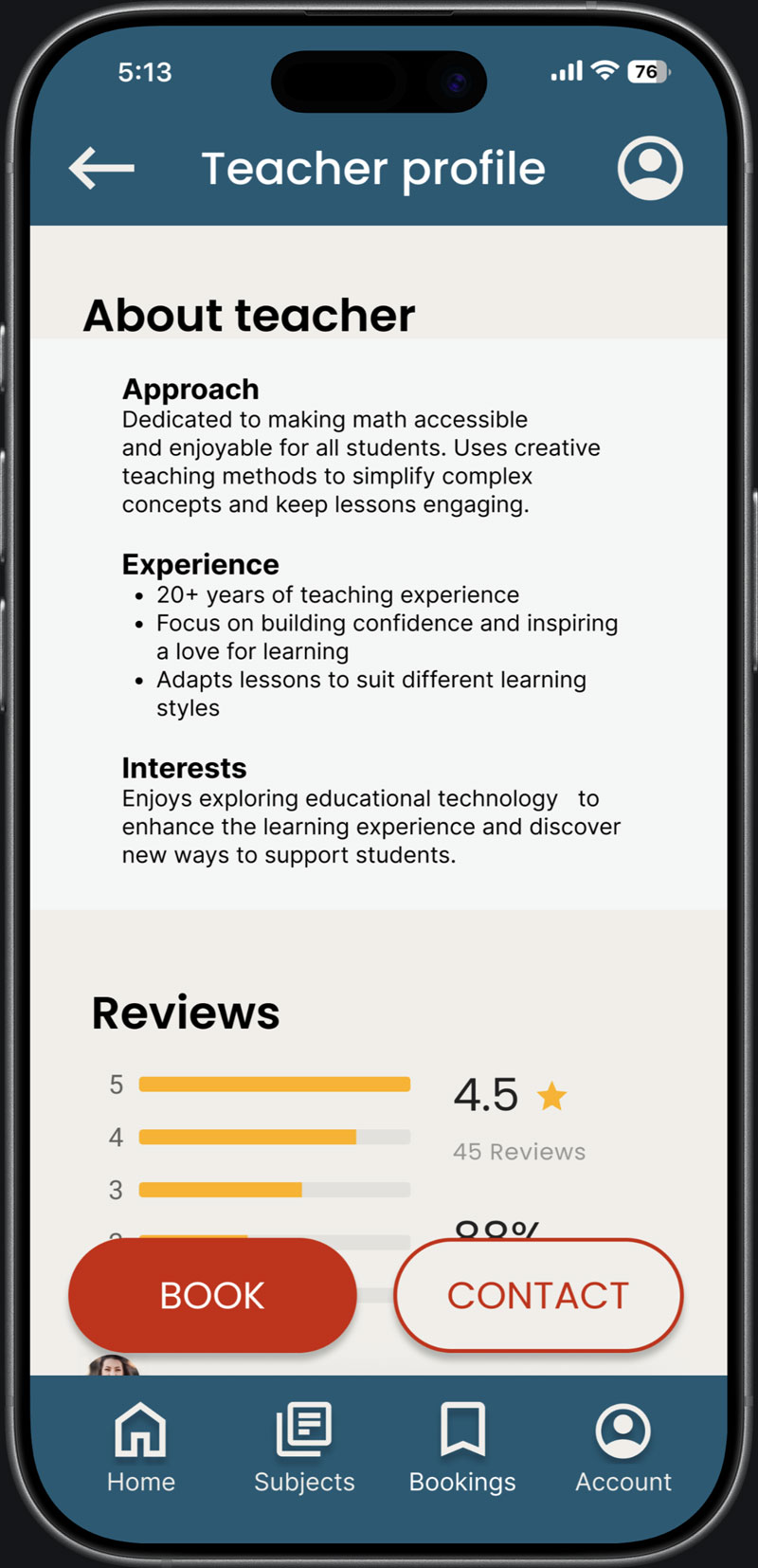
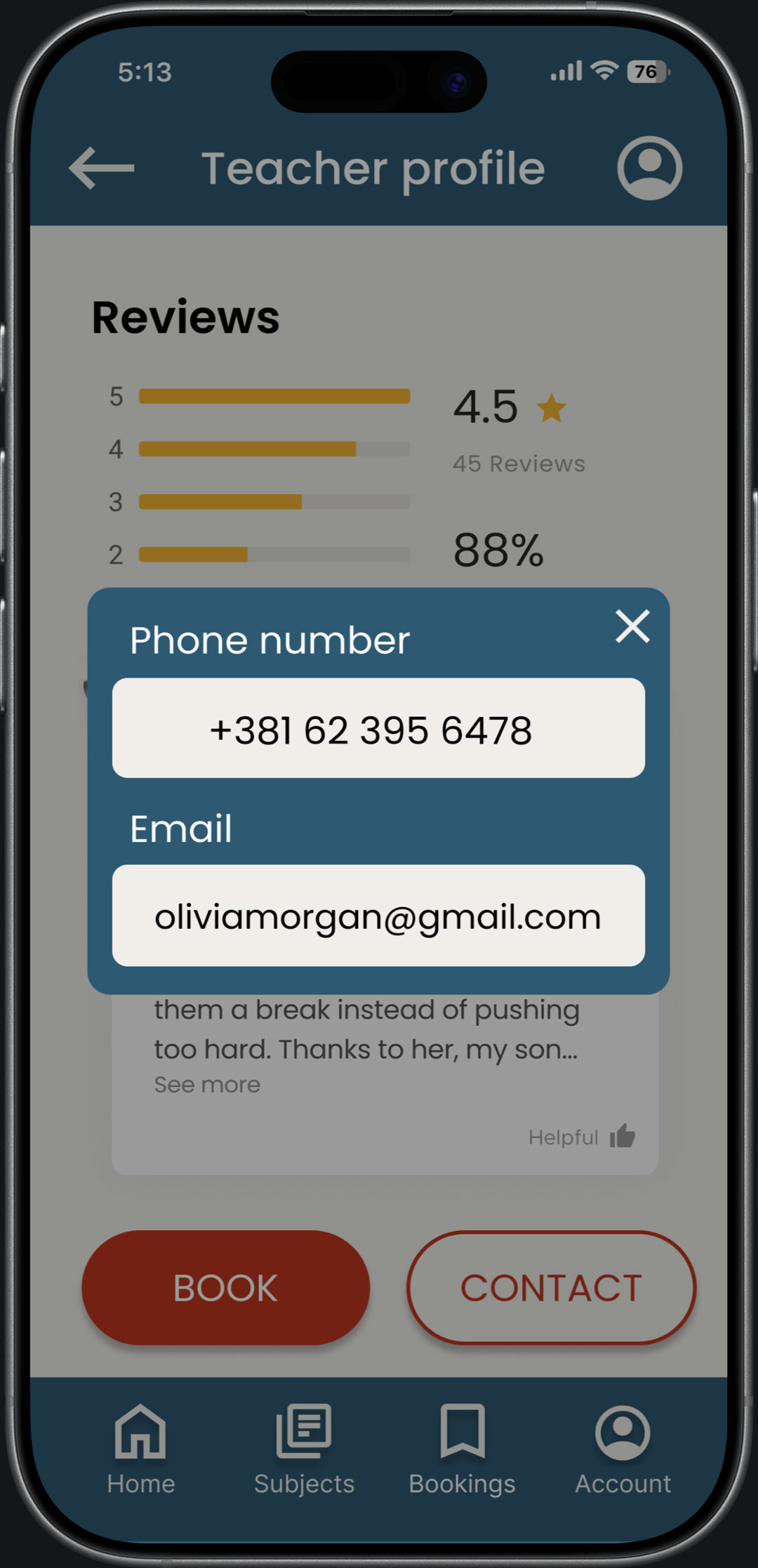
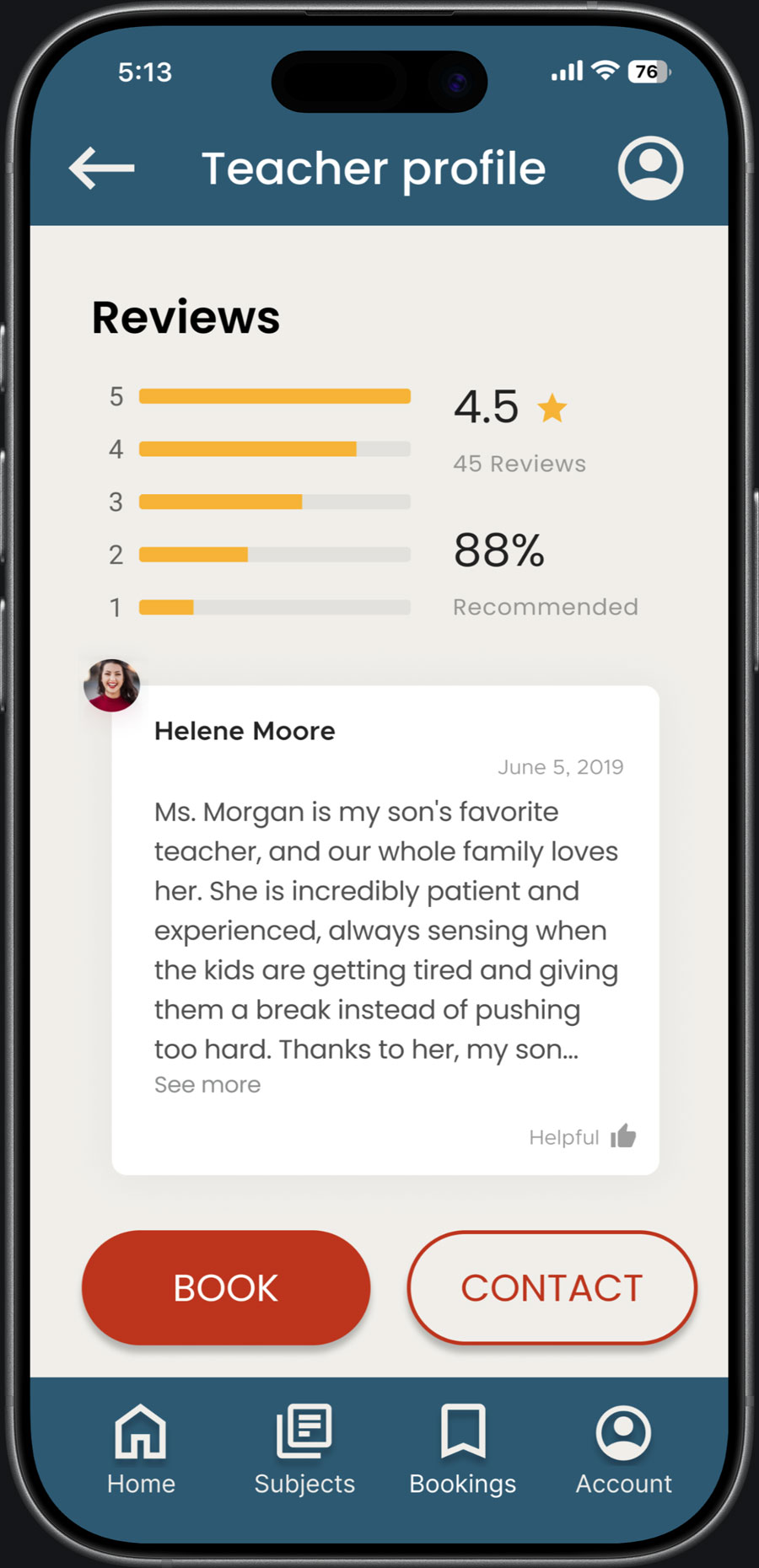
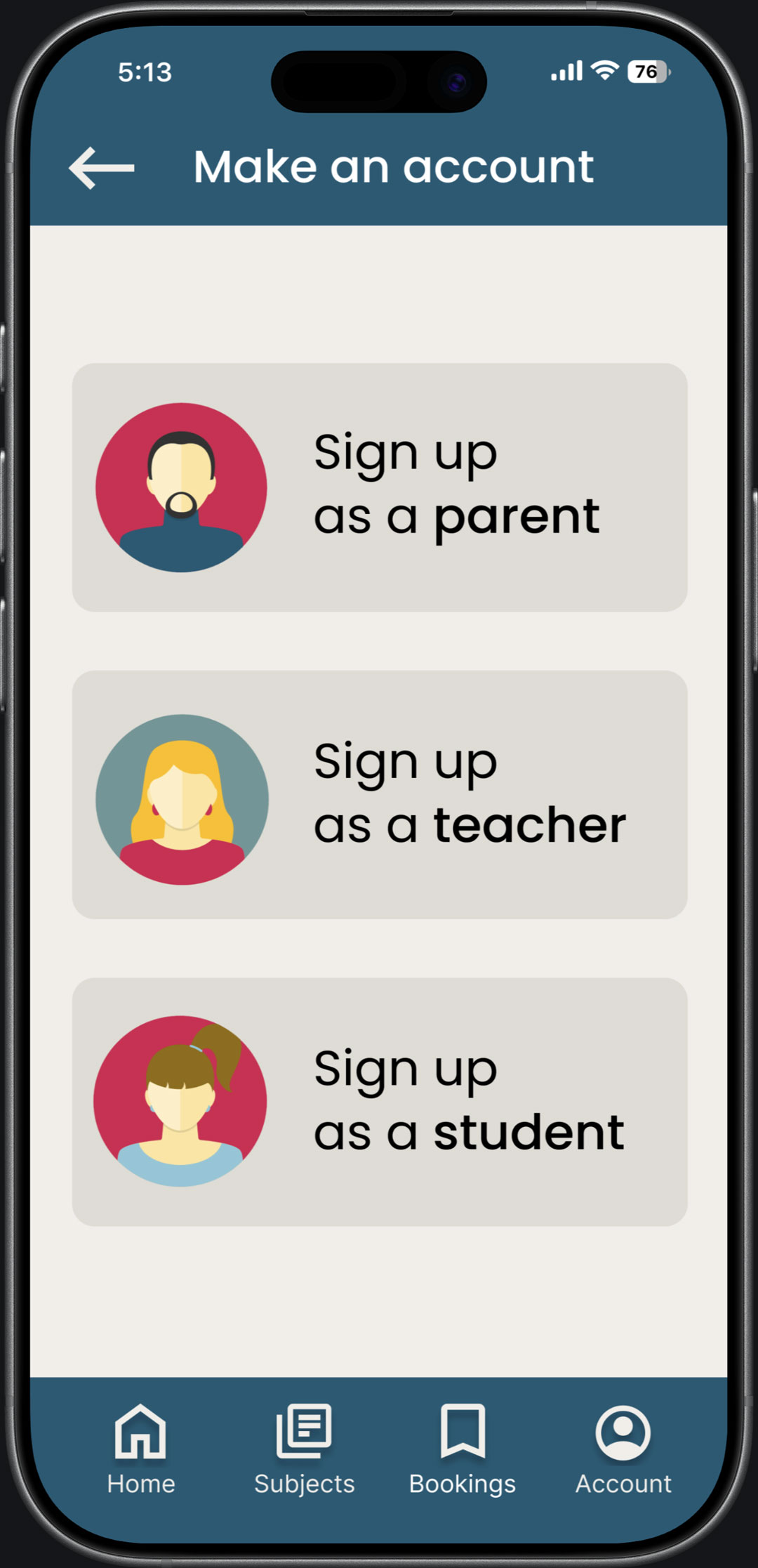
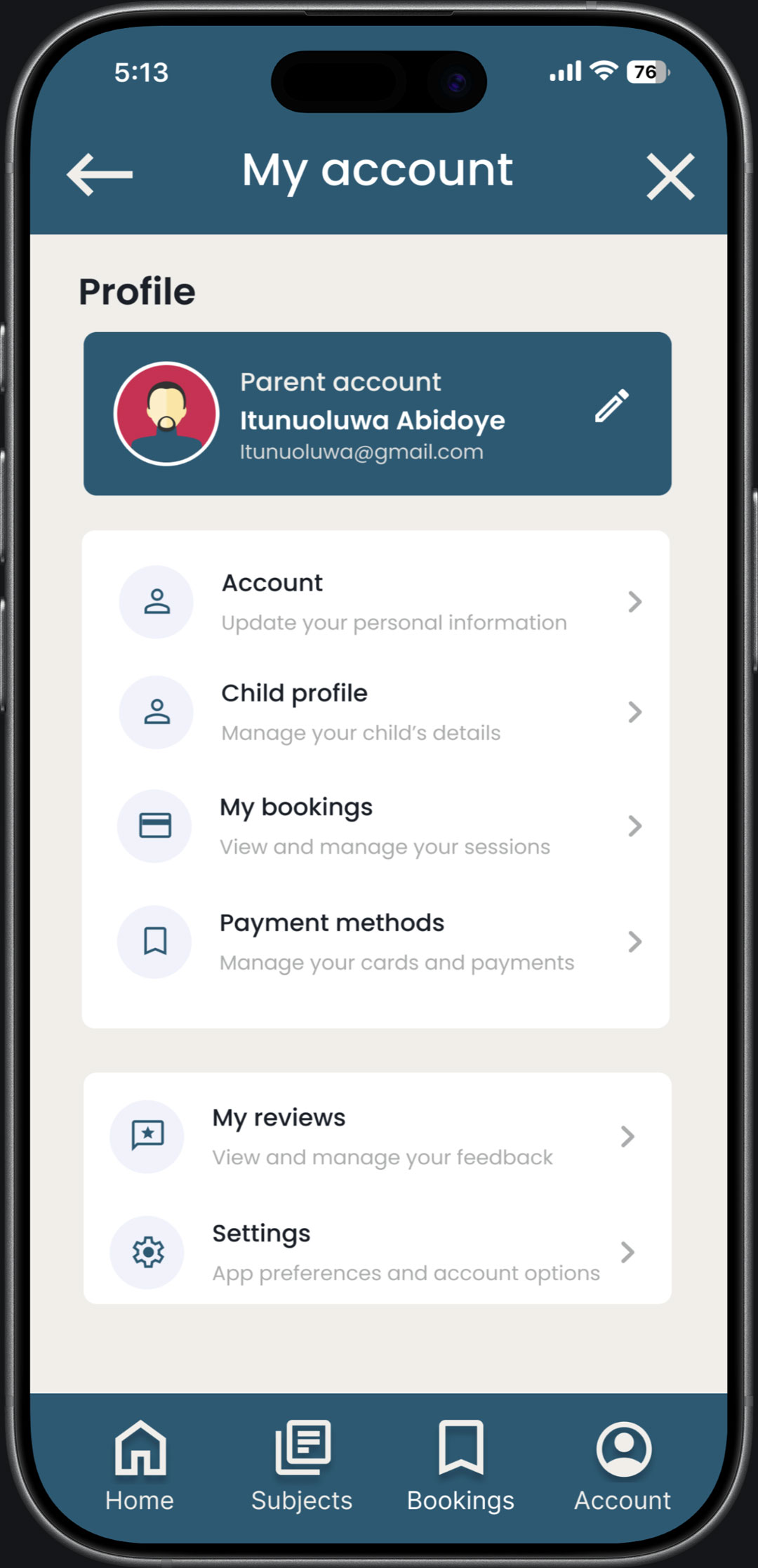
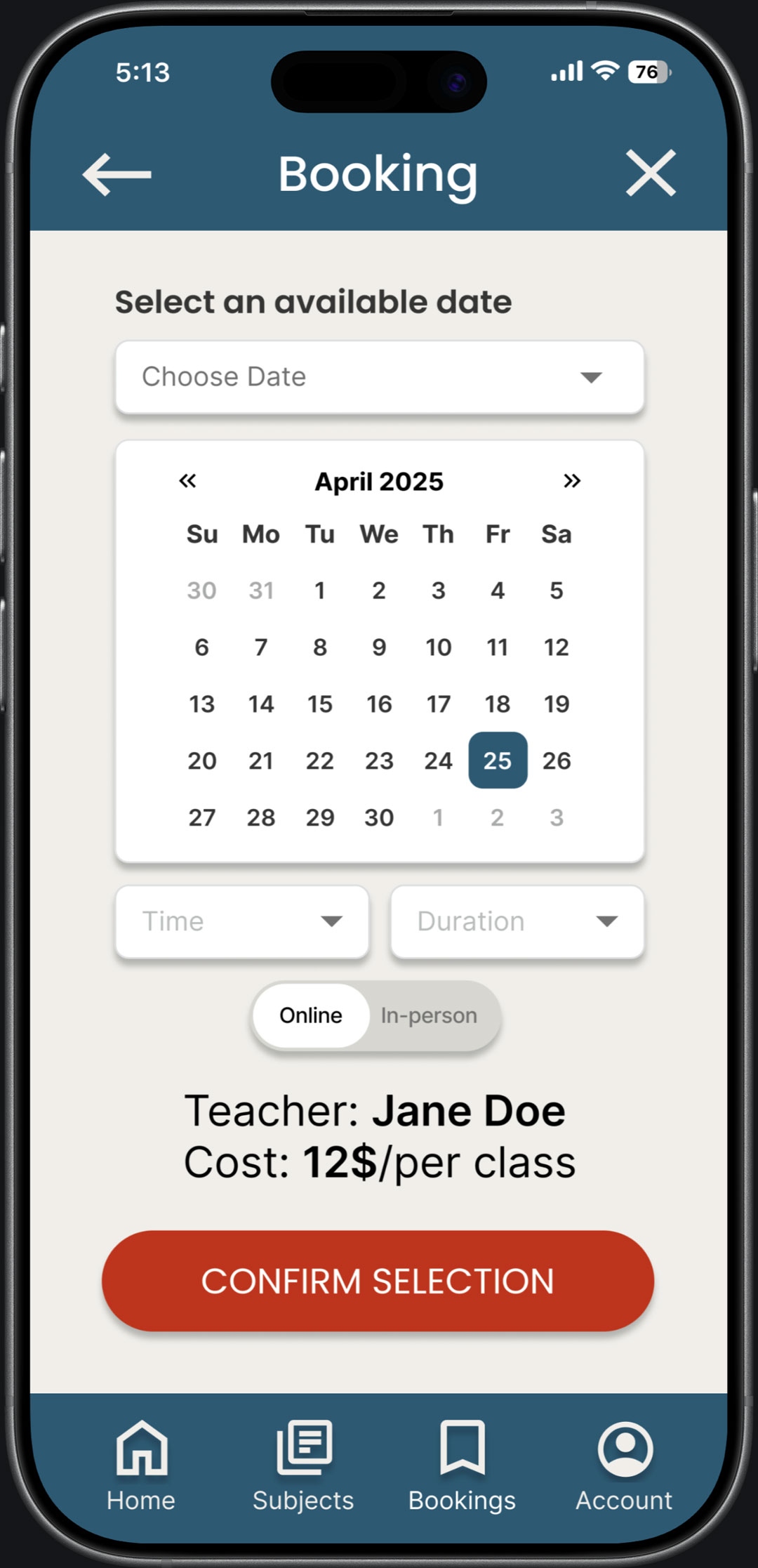
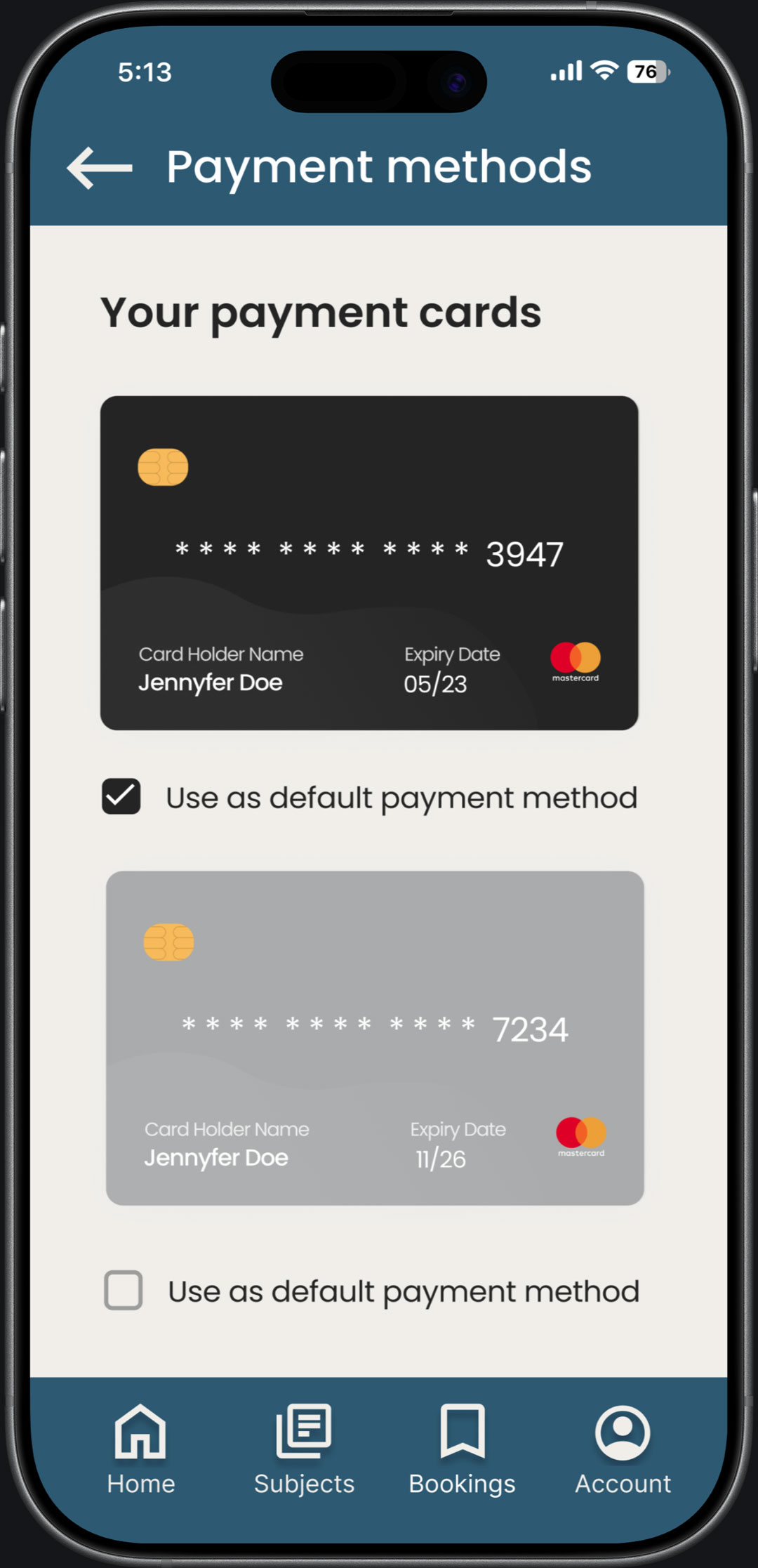
Final design
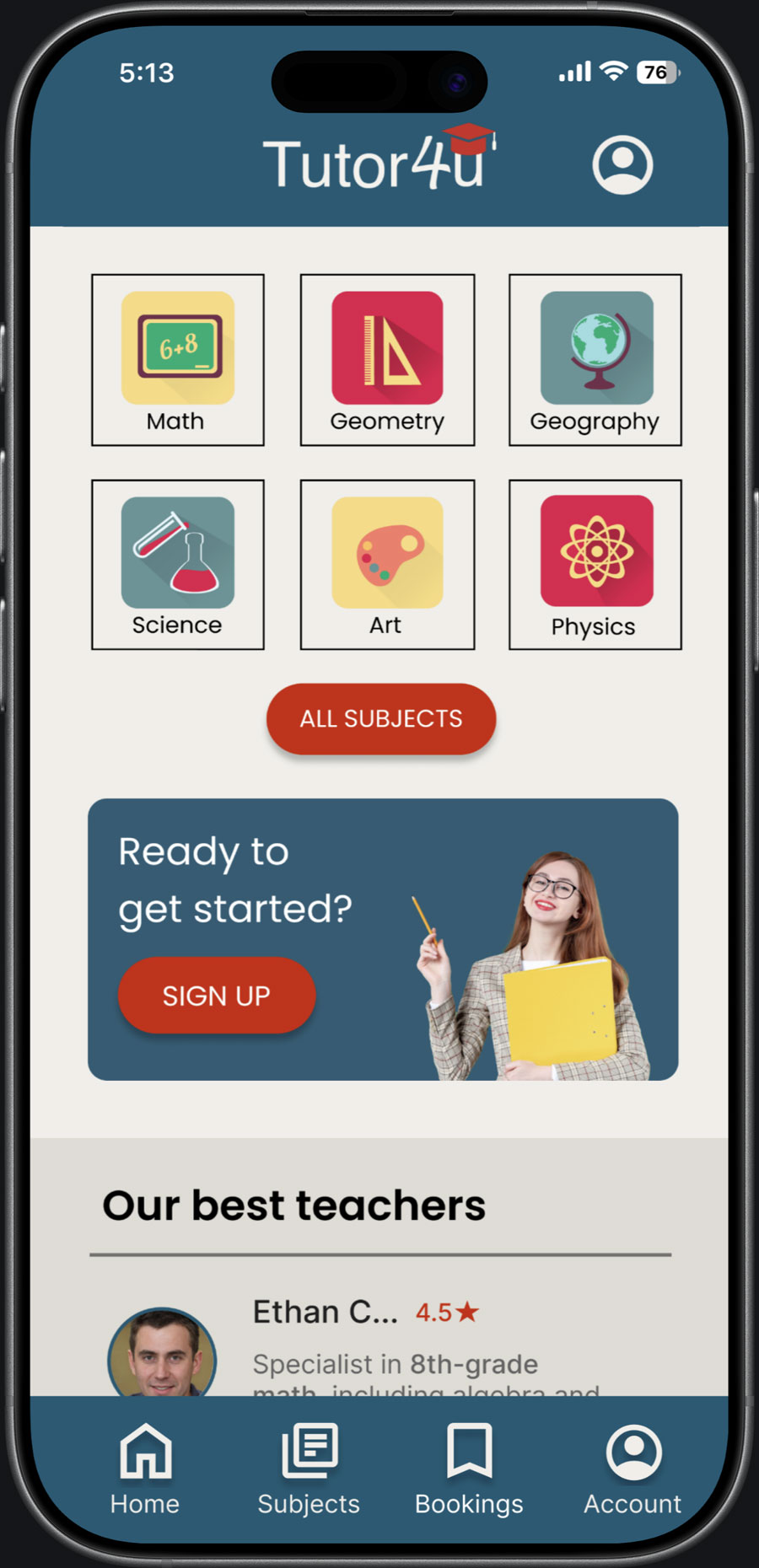
The final design focuses on simplicity, trust, and intuitive navigation.
A clean layout and clear hierarchy help users quickly find and book tutors.


Accessibility
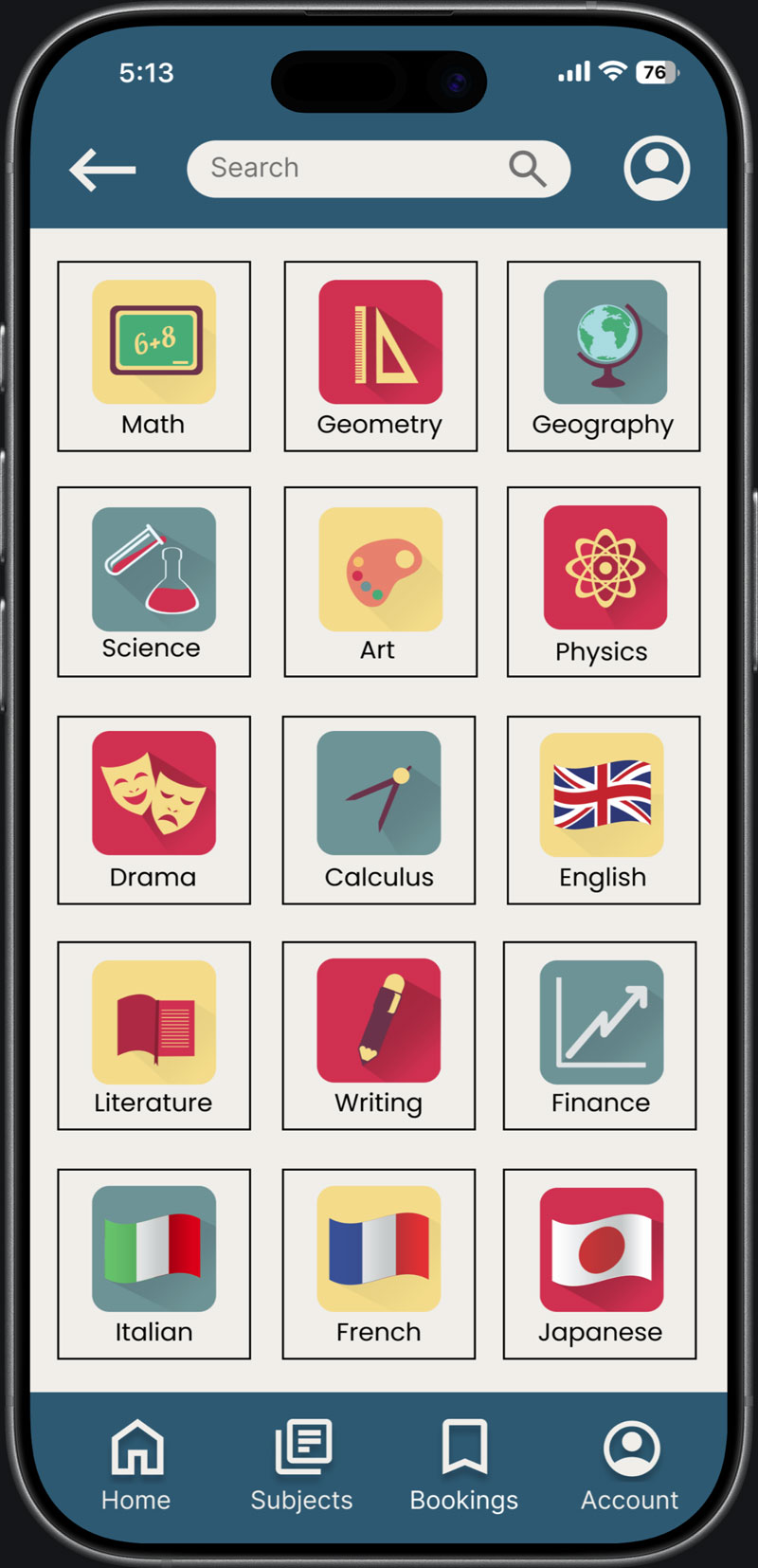
The design follows WCAG AA standards to ensure readability and accessibility.
A clear typographic hierarchy and limited number of typefaces improve usability and reduce cognitive load.
Learnings
• Simplifying user flows improves usability
• Trust signals increase user confidence
• Early testing reveals navigation problems
Next steps
• Gather feedback from experienced designers
• Iterate on layout and navigation
• Improve responsiveness across devices


